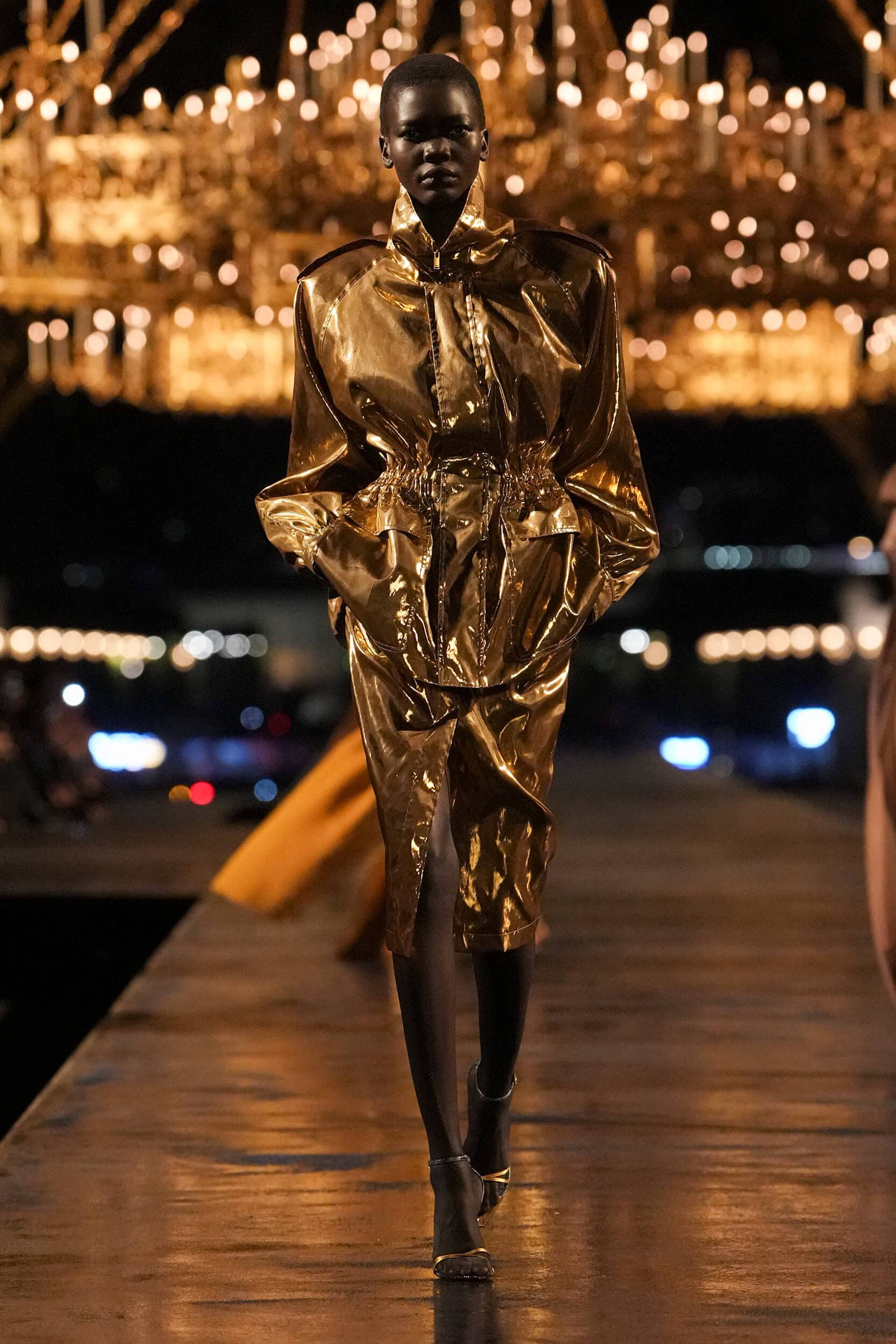
Saint Laurent runway
O-FINN Lab x SpecForm OS · Workshop · Spain 2026

Speed Design
Development Sprint

From runway to ready-to-sell. One look, one hour, one product brief.

60 minutes Paris + Milan SS26 / FW26 200 free credits included
Part 01 of 04

Context

Who is here. What SpecForm OS does. And the gap no one talks about.

Workshop Lead
Morchen Liu
Fashion technology educator, product developer, and founder of SpecForm OS.
01
Fashion Business lecturer
Teaches product development, technical communication, and AI-assisted fashion workflows.
02
Founder of SpecForm OS
Built a system that turns creative references into factory-ready product documentation.
03
Hybrid digital-physical workflow
CLO3D, AR, technical flats, garment engineering, and commercial product decisions.
04
Today’s frame
The runway is the concept. Product development is the work that makes it sellable.

Fashion Technology Product Development AI Tech Packs CLO3D + AR SpecForm OS
Morchen Liu
TEDx University of Hertfordshire talk
Adobe Firefly fashion portfolio feature
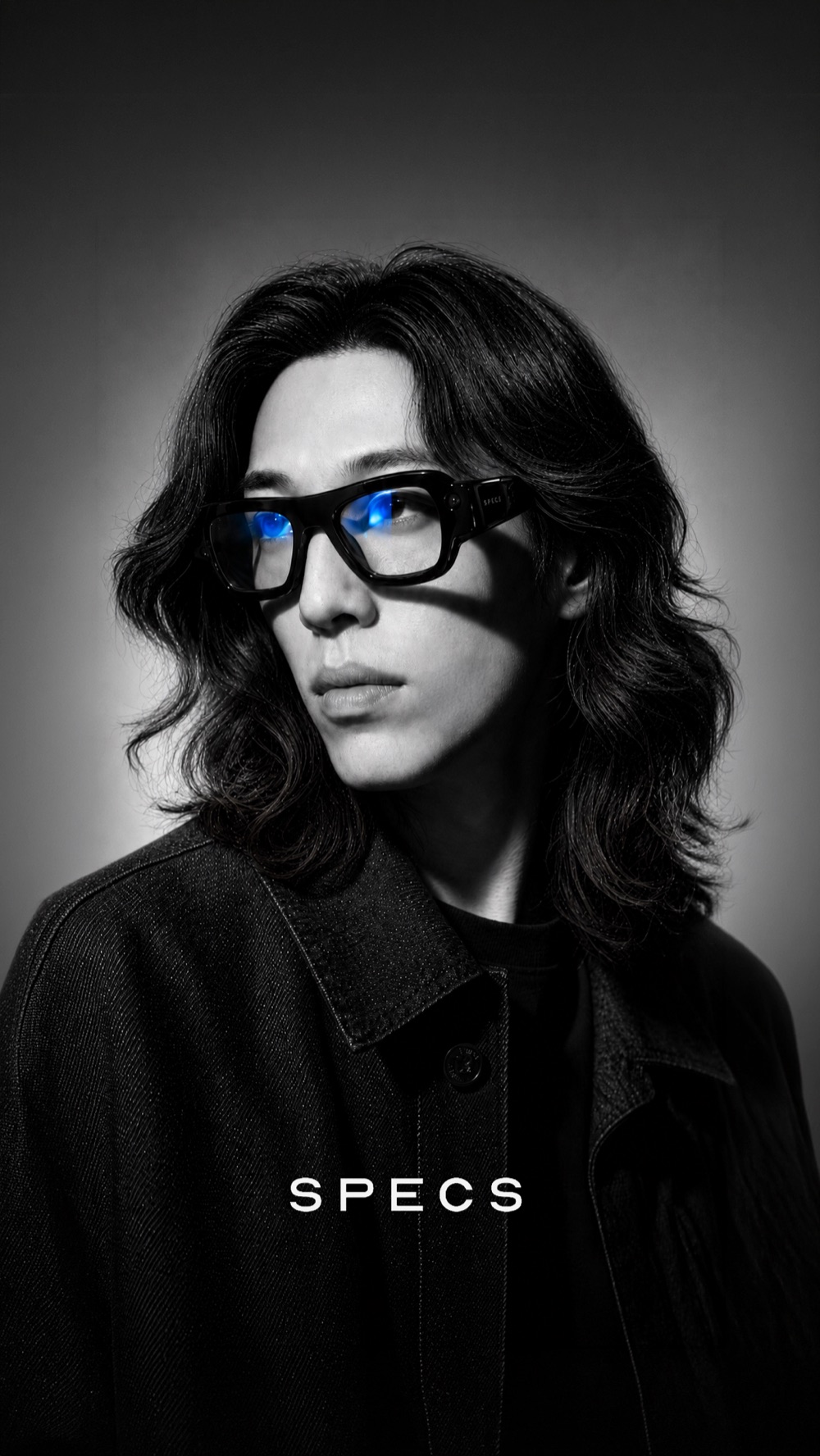
SPECS cover feature
The Tool

What SpecForm OS does

A product development system that converts design concepts into factory-ready documentation. You describe. It structures.

Input
Upload a reference image or describe a garment. The system reads silhouette, construction, and material intent.
Output
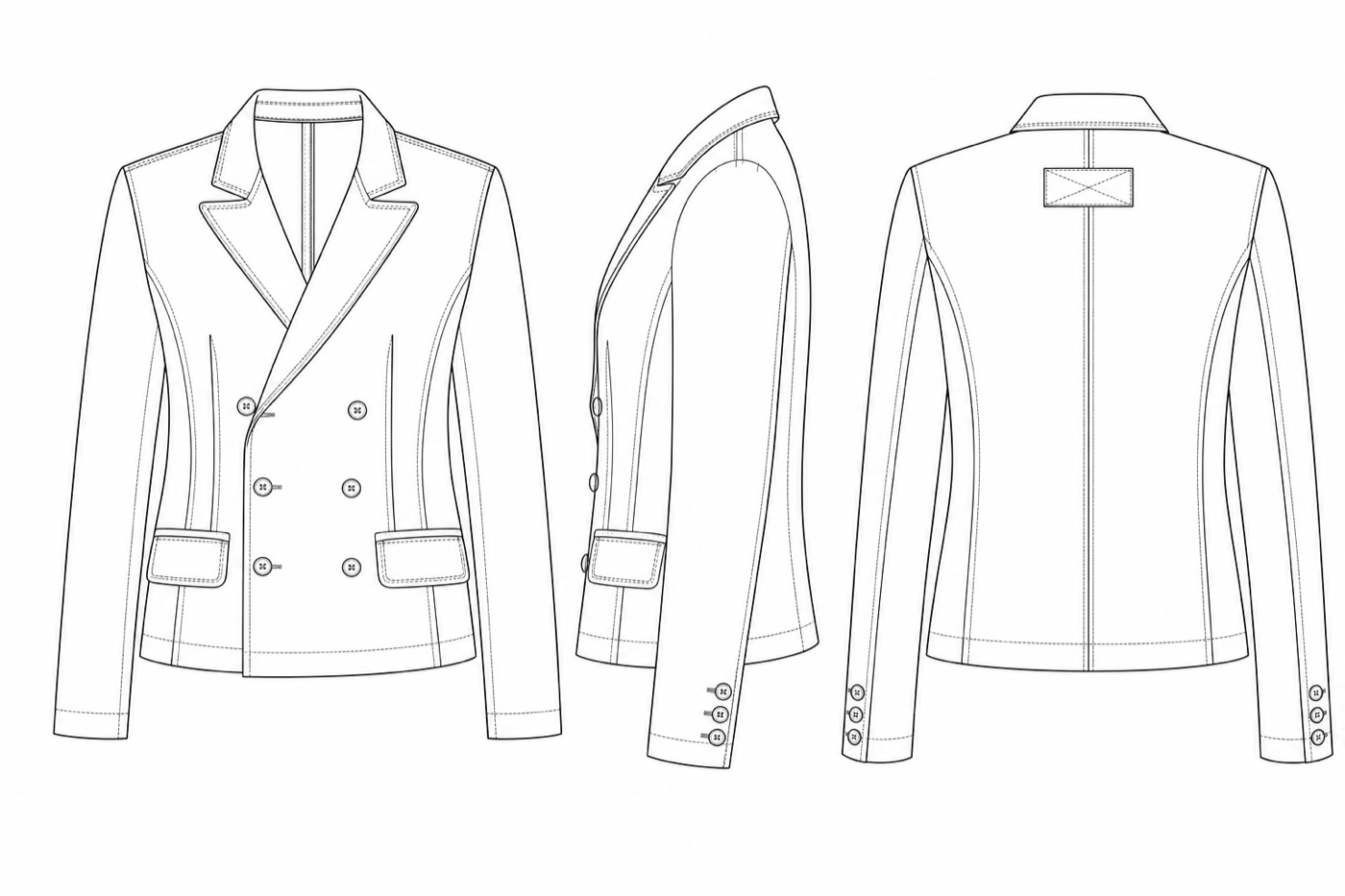
Front and back technical flats, bill of materials, points of measure, and construction notes.
Who it is for
Designers and buyers who need to communicate specification to factories without a full technical team.
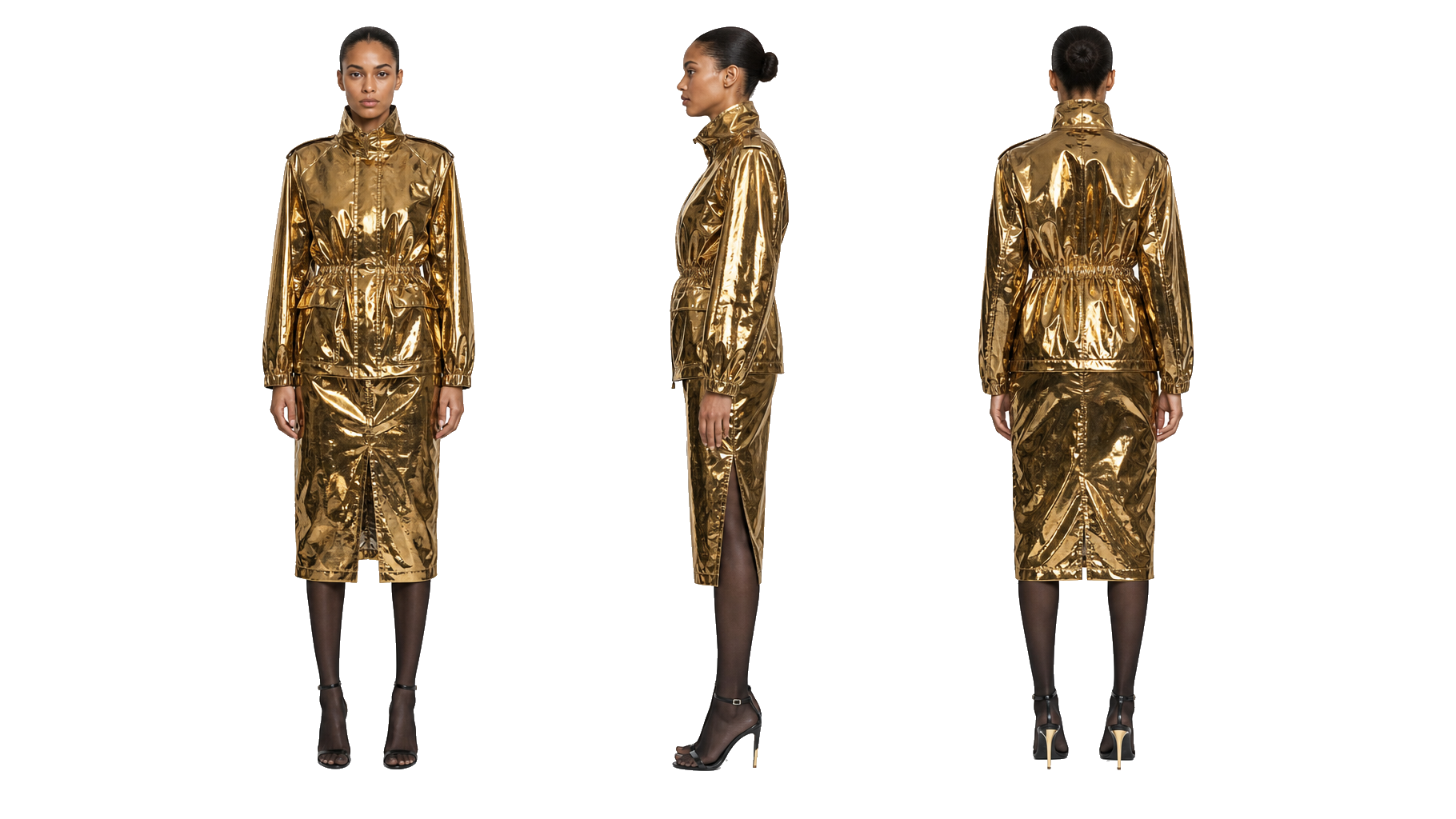
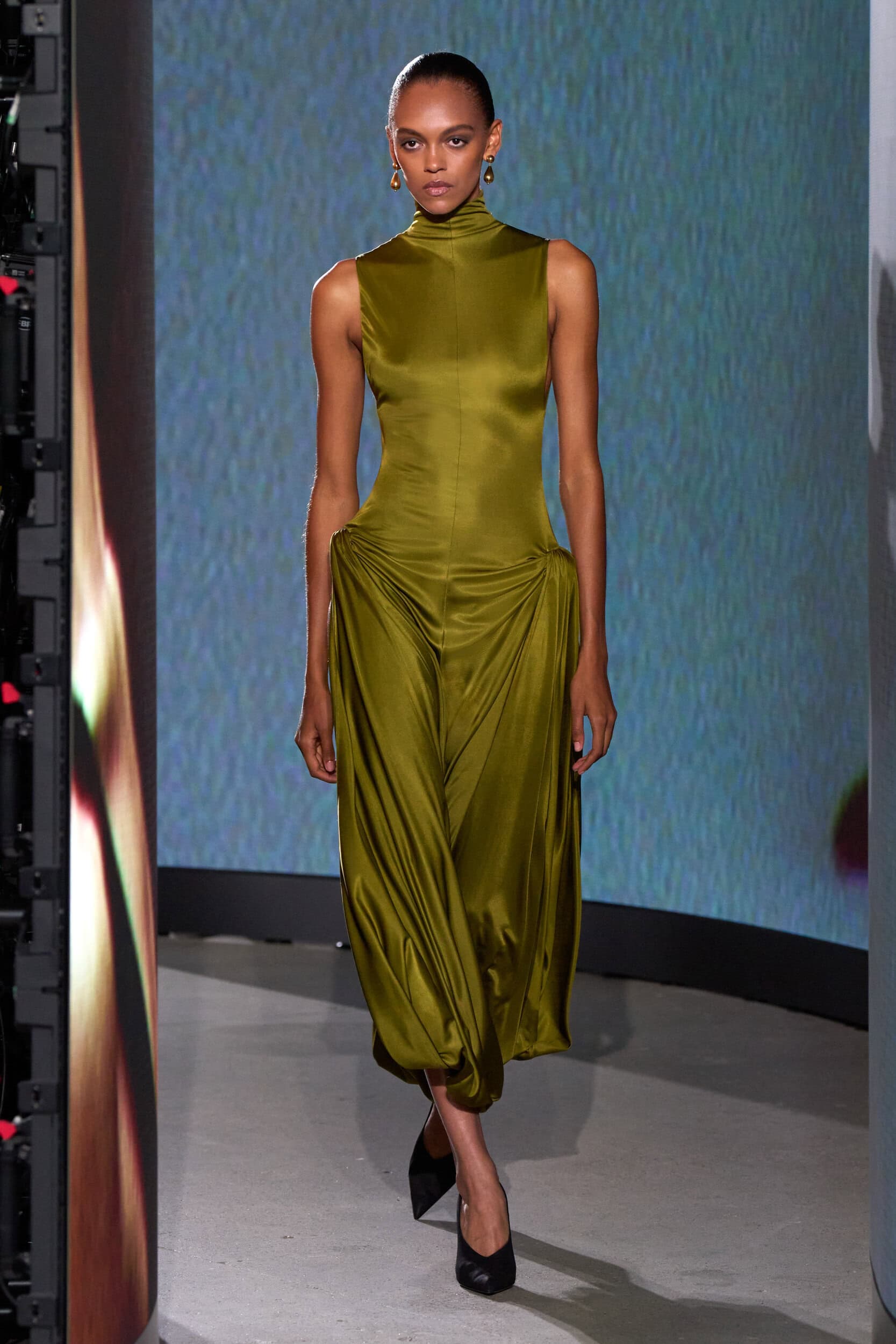
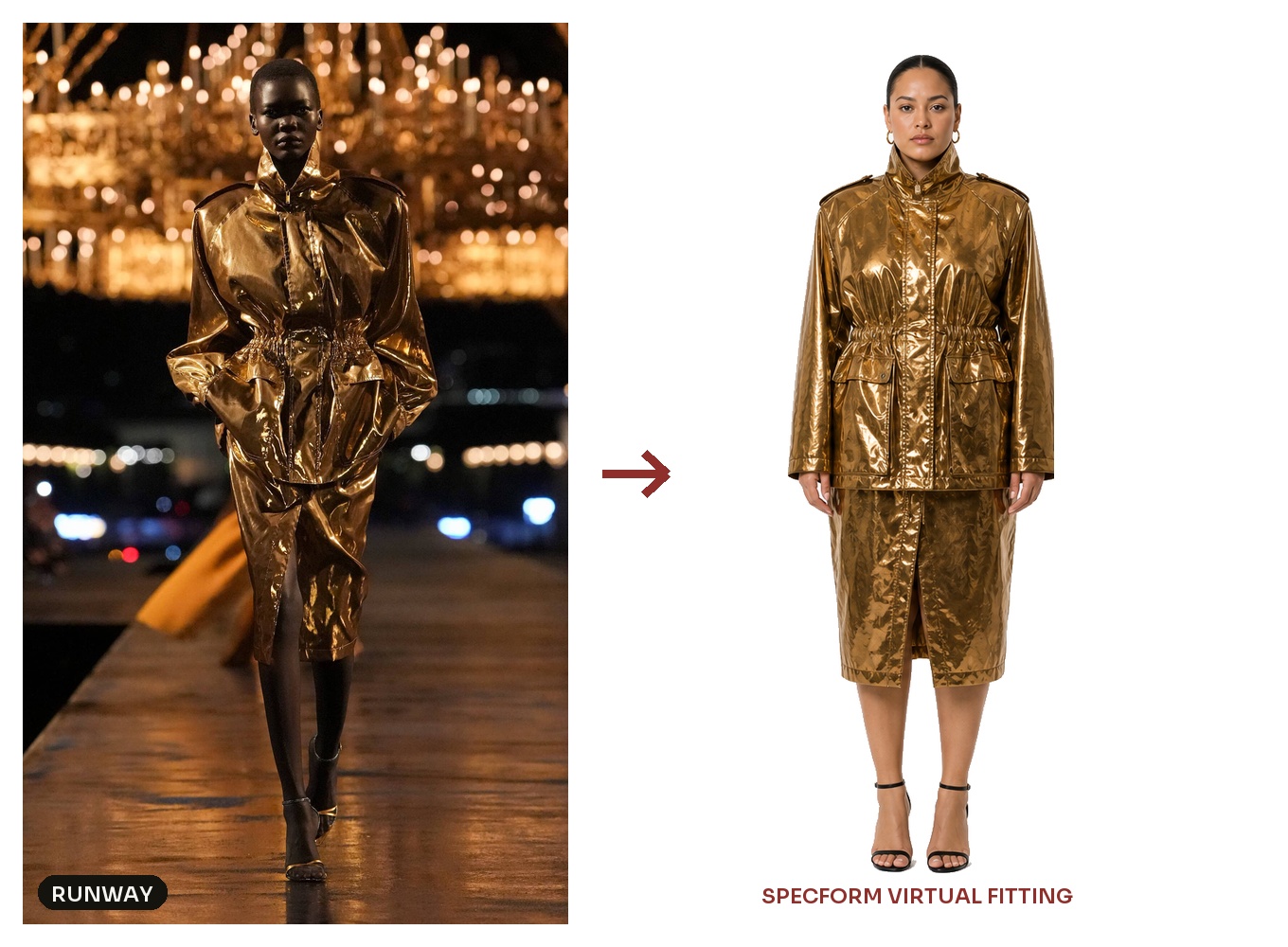
Saint Laurent runway
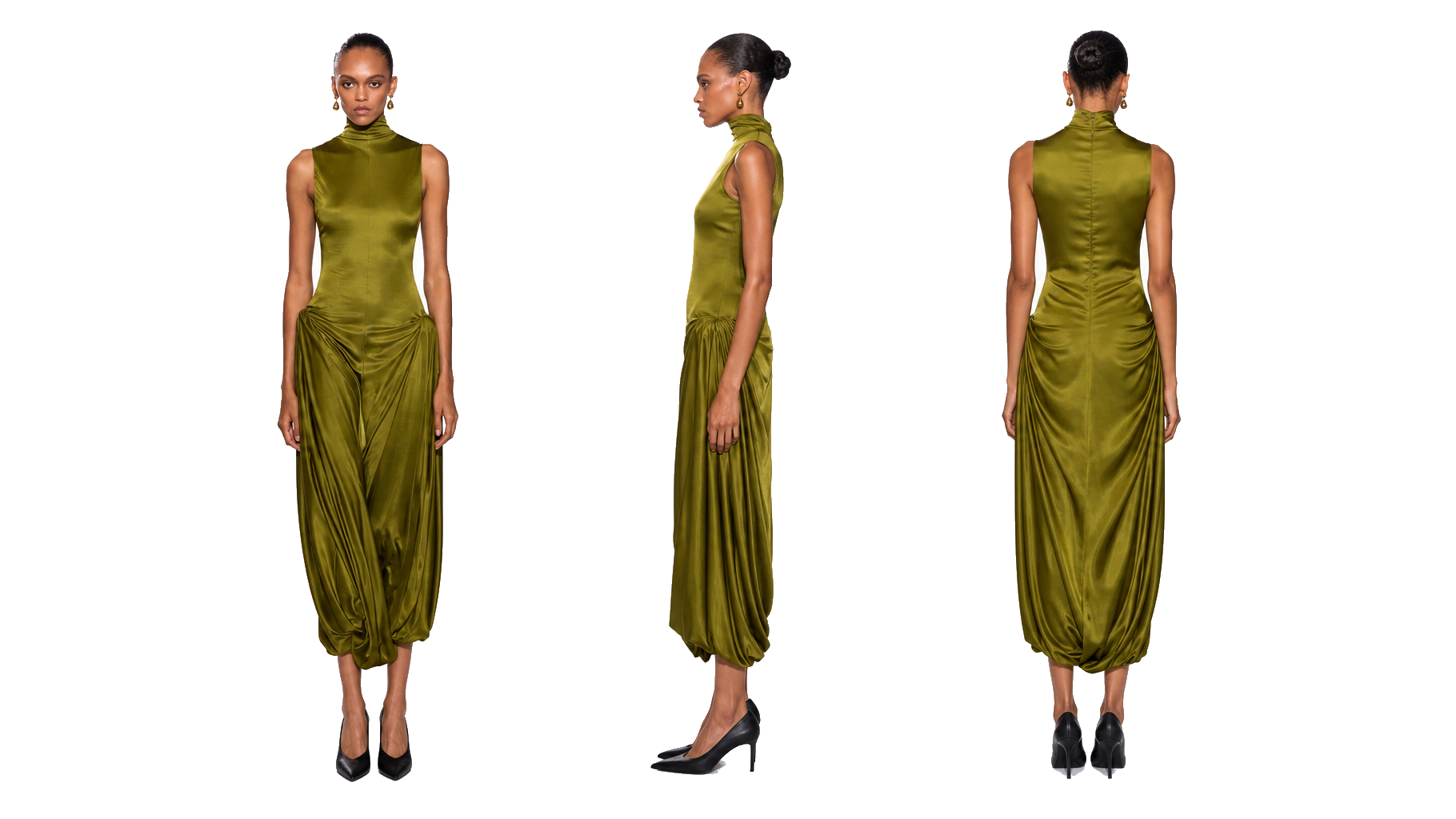
SpecForm 3D render: front, side, back
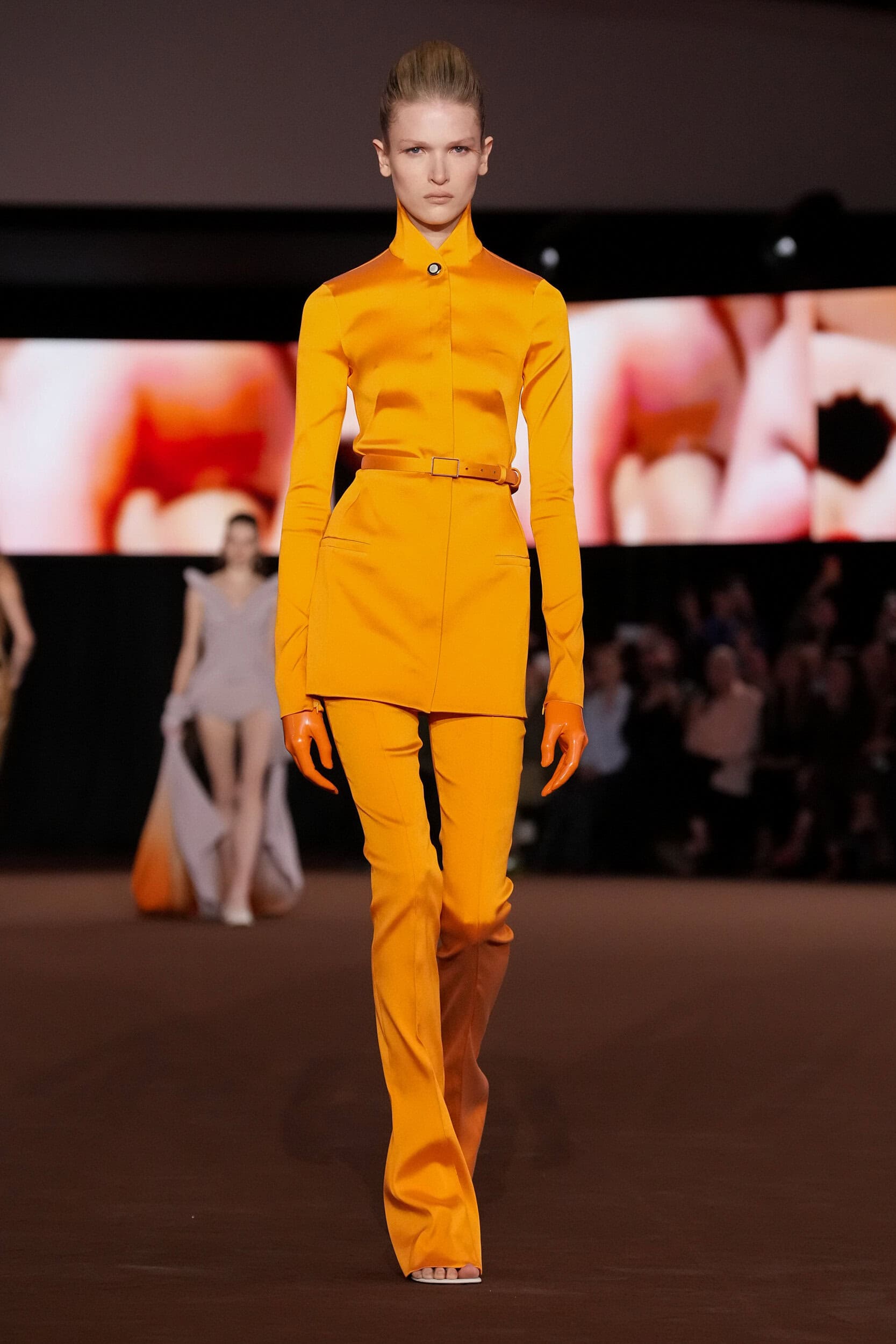
Mugler runway
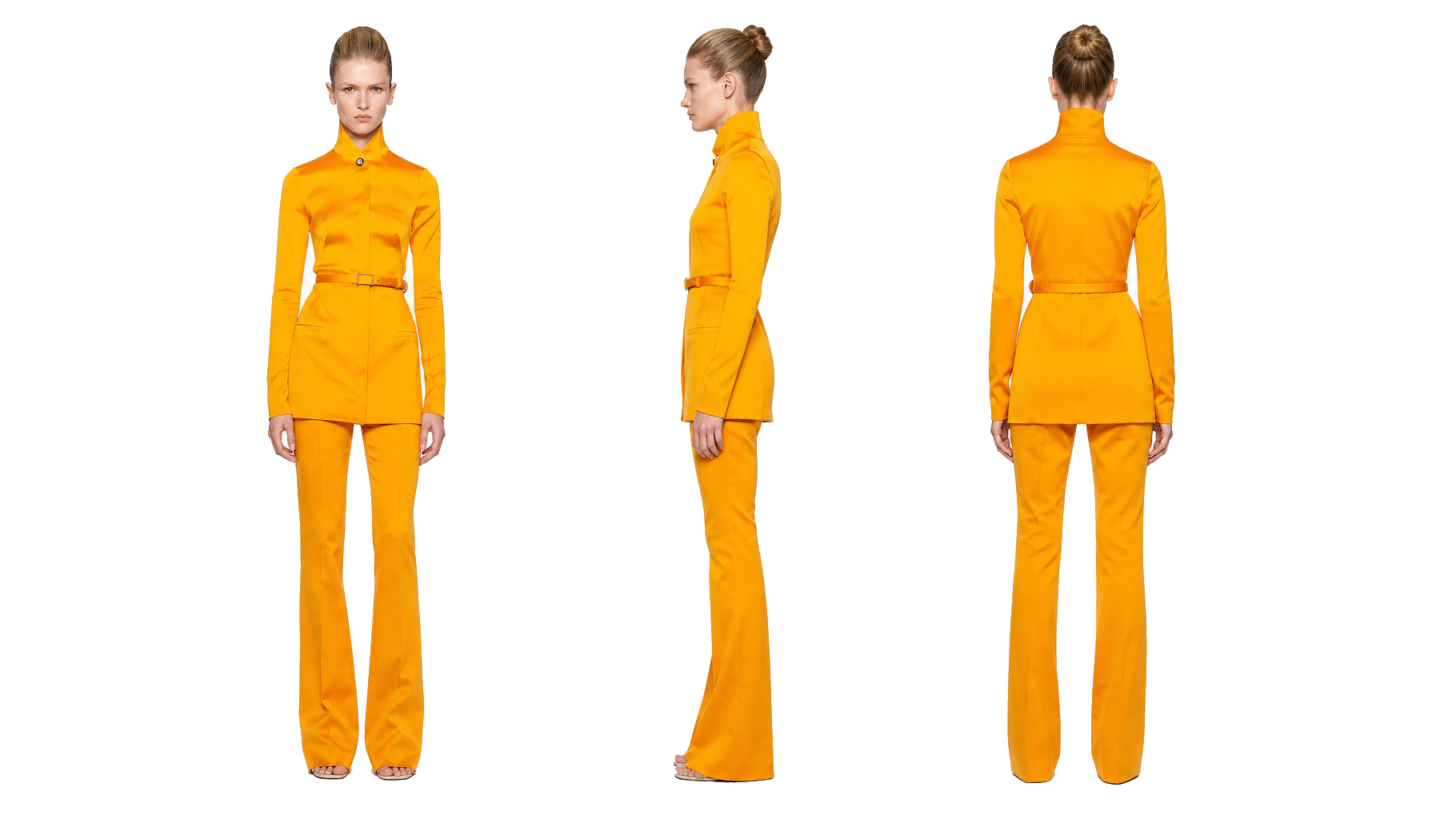
SpecForm 3D render: front, side, back
Alaia runway
SpecForm 3D render: front, side, back
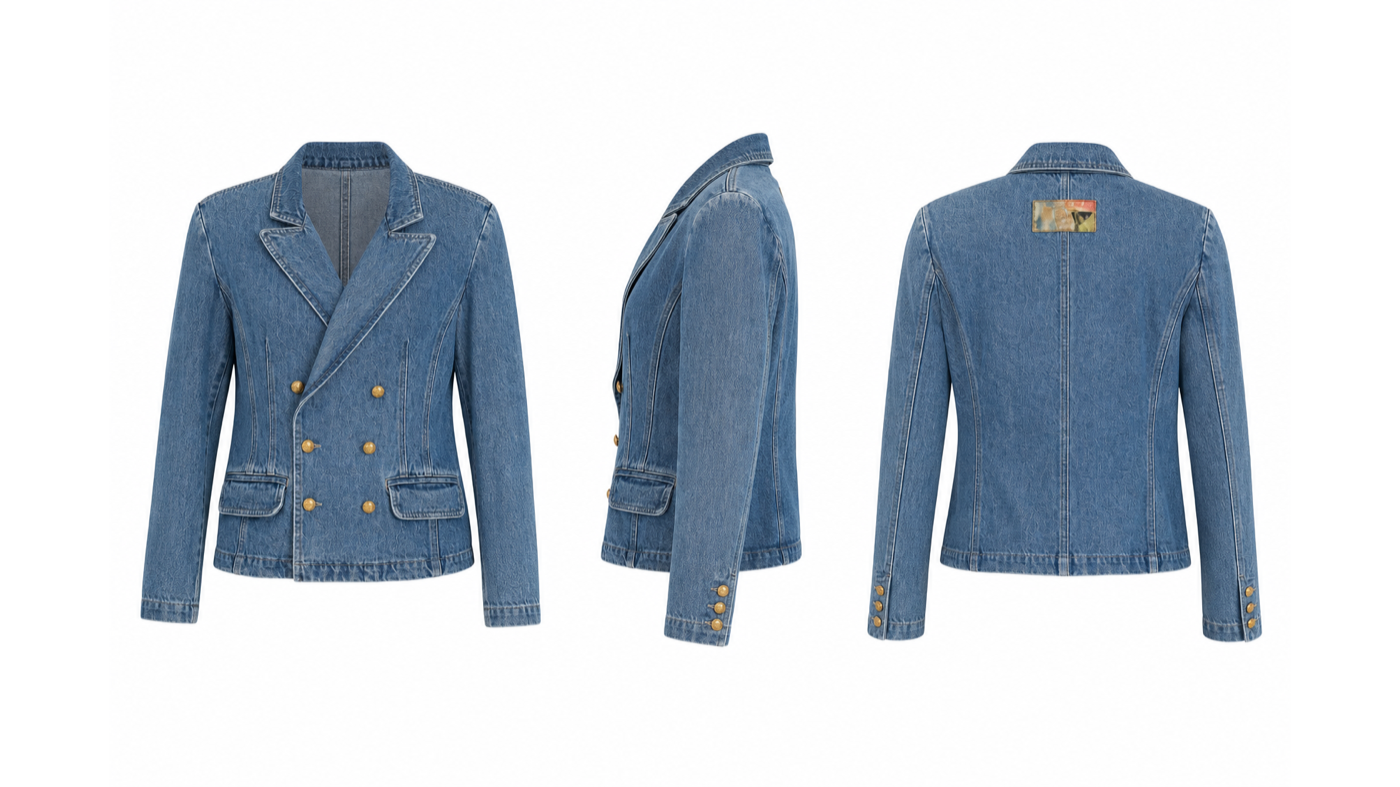
SpecForm colour 3D render: front, side, back
SpecForm technical line drawing: front, side, back
Runway
3D virtual fitting
What you see
A show is a communication tool. Custom prototypes. No size grading, no costing, no tech pack.
The Brief

5 decisions that make
a look commercial

Fit
Who can wear it, move in it, and buy it?
Cost
Which details survive the target price?
Clarity
Can a factory understand it first time?
01
Silhouette
Cut, proportion, length. What changes make this wearable at scale?
02
Textile
What commercial fabric delivers a similar look at a viable cost?
03
Price point
Target retail price sets your maximum cost of goods.
04
Customer
Age, lifestyle, shopping context define every adaptation choice.
05
Channel
High street, contemporary, e-commerce, or own brand?
Alaia runway look
Part 02 of 04

The Sprint

Choose your look. Claim your credits. Begin your product brief.

Your role today

You are the
product developer.

Choose one runway look. Adapt it for a commercial market. You have 30 minutes and the full SpecForm OS platform.

Deliverable
A completed 5-decision brief, at least one SpecForm OS output, and a 2-minute product rationale.
01
Pick a look
Open the shared folder. Choose one of the 10 runway looks from Paris or Milan SS26 and FW26.
02
Make your 5 decisions
Silhouette, textile, price point, customer, and channel. Write them before you open SpecForm OS.
03
Generate your output
Upload the look to SpecForm OS. Use your brief to guide the generation. Capture your result.
Step 01 / Claim

Get your 200 free credits

Scan the QR code or go to the URL. Credits land in your account immediately after signup. No card required.

QR code: specform.pro/invite/ofinn
Workshop invite link
specform.pro/invite/ofinn
200 credits included

Each credit covers one AI action. 200 credits is enough to fully develop 3 to 4 garments from reference to tech pack.

Credits do not expire. Your account stays active after the workshop.

Step 02 / Use the tool

SpecForm OS - 5-step workflow

No prior experience needed. Plain language descriptions produce accurate technical outputs.
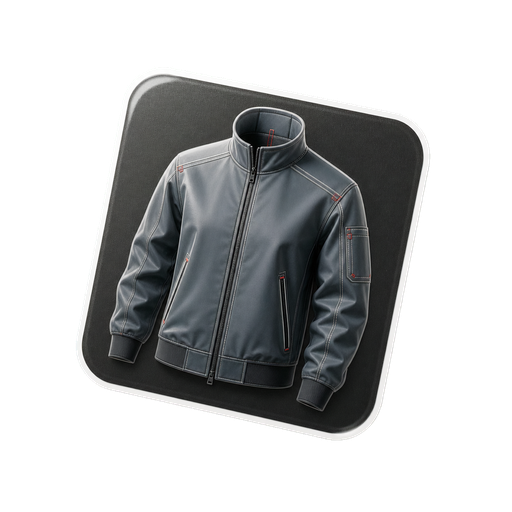
Step 01
Upload reference
Upload the runway look image selected from the shared folder
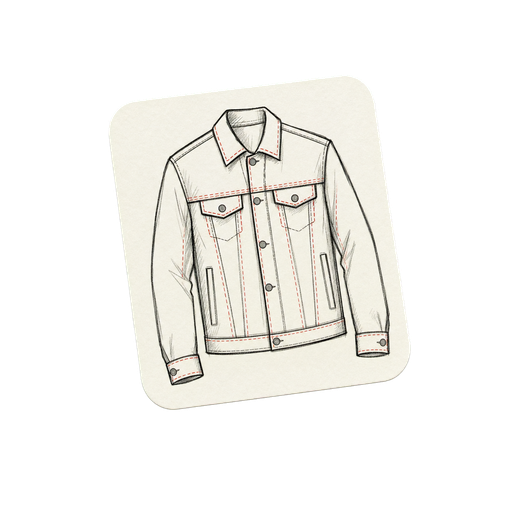
Step 02
Generate tech pack
Run the full pipeline. Edit the technical drawing with Regenerate to refine
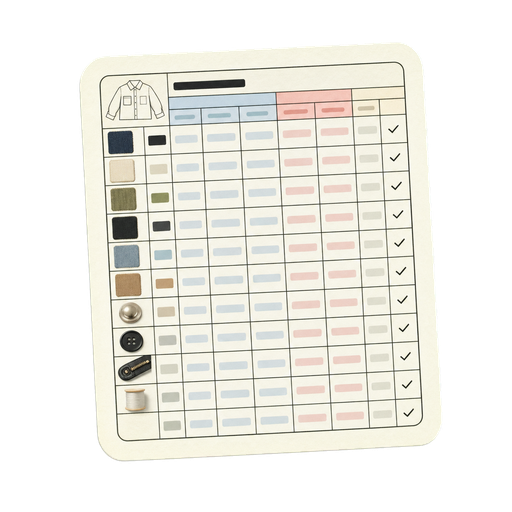
Step 03
Confirm BOM
Review and confirm construction details and bill of materials
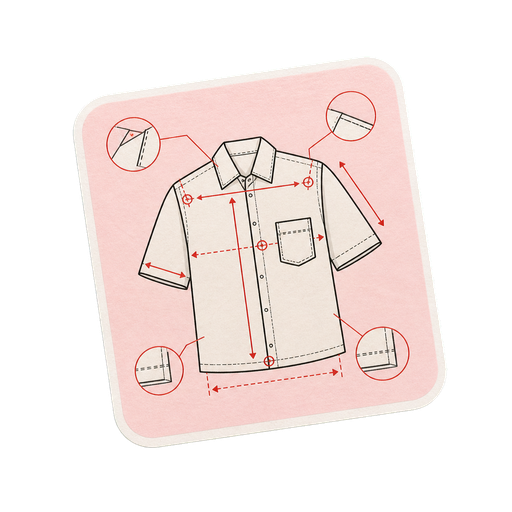
Step 04
Define sizes
Set your target size in the measurements workspace
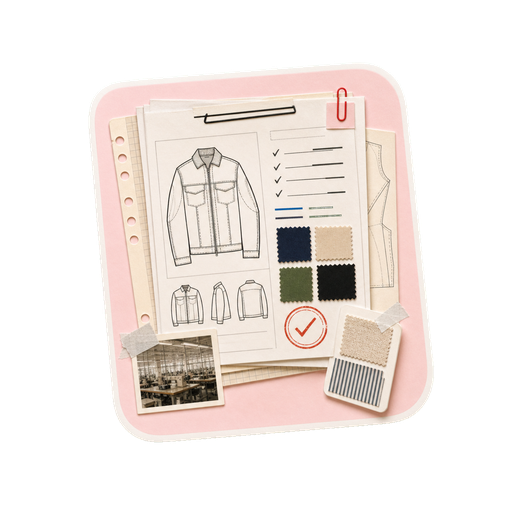
Step 05
Export
Download your complete factory-ready tech pack
Sprint begins now · 30 minutes

Open SpecForm OS.
Start your brief.

Use the home interface to begin from your runway reference. Upload, describe, generate, then refine.

specform.pro/invite/ofinn 200 credits included
Runway to SpecForm OS output
Part 04 of 04

Showcase

Two presenters. Two briefs. Live feedback from O-FINN Lab and SpecForm OS.

Step 03 / Present

Your 2-minute presentation

Cover these three points. No slides required. Talk from your brief and your SpecForm OS output.

01
The original
Which look did you choose? What house, what season, what was the key design statement?
02
Your 5 decisions
Walk through silhouette, textile, price, customer, and channel. Name the reasoning behind each one.
03
Your output
Show what SpecForm OS generated. What surprised you? What would you change in a second pass?
Feedback lens - O-FINN Lab + SpecForm OS will respond to
Market clarity: does the brief match a real customer? Material logic: is the textile swap viable at the stated price? Product coherence: do the 5 decisions work as a set?
SpecForm closing hero
O-FINN Lab x SpecForm OS · Workshop 2026

You are the product
developer now.

Your 200 credits and your account stay with you. The runway is the brief. The work starts here.

QR code for instagram.com/morchenliu
Follow the workflow
@morchenliu
www.instagram.com/morchenliu
specform.pro specform.pro/invite/ofinn
Presenter script
Press N for script